Independent product · Innovative AI Apps LLC
Receipt Savior
Turning a photo of a receipt into organized information people can find and use.
Why I built it
Receipt Savior started with a personal need: keeping track of my HSA receipts so they wouldn’t get lost. I wanted an easier way to save and organize them, then find them when I needed them.
What began as an HSA receipt tracker gradually grew into a broader receipt-management app. I expanded it to include AI-assisted scanning, bill splitting, currency conversion for travel, spending insights, and exports—all built around making the information on a receipt more useful after the purchase.
My contribution
I own the product direction, interface design, development, and release process. The work combines image capture, AI-assisted extraction, structured receipt data, and everyday tasks such as splitting a bill or exporting records.
Design decisions
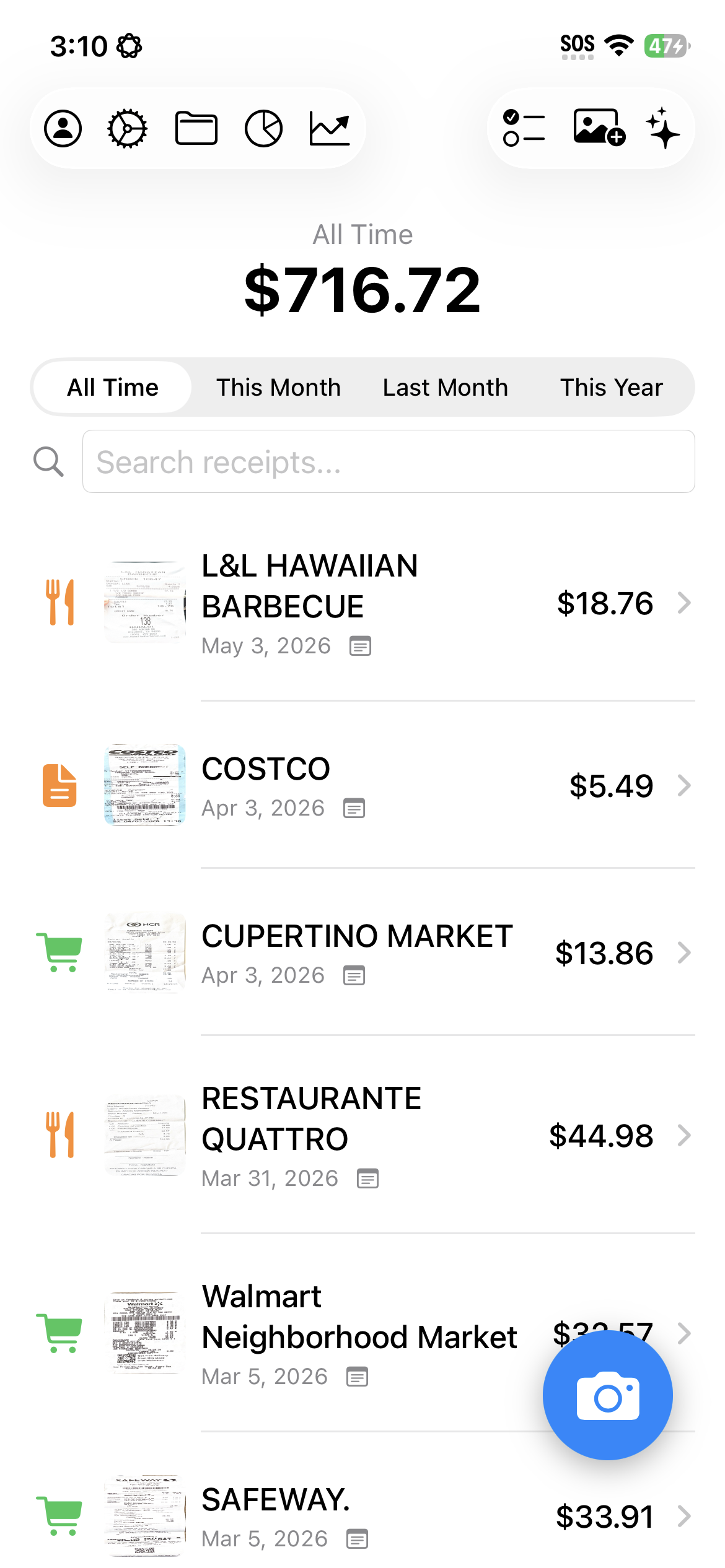
Start with a familiar list
A receipt list, search, and time filters give users an immediate way to browse their records. Spending totals provide context without requiring a separate report.
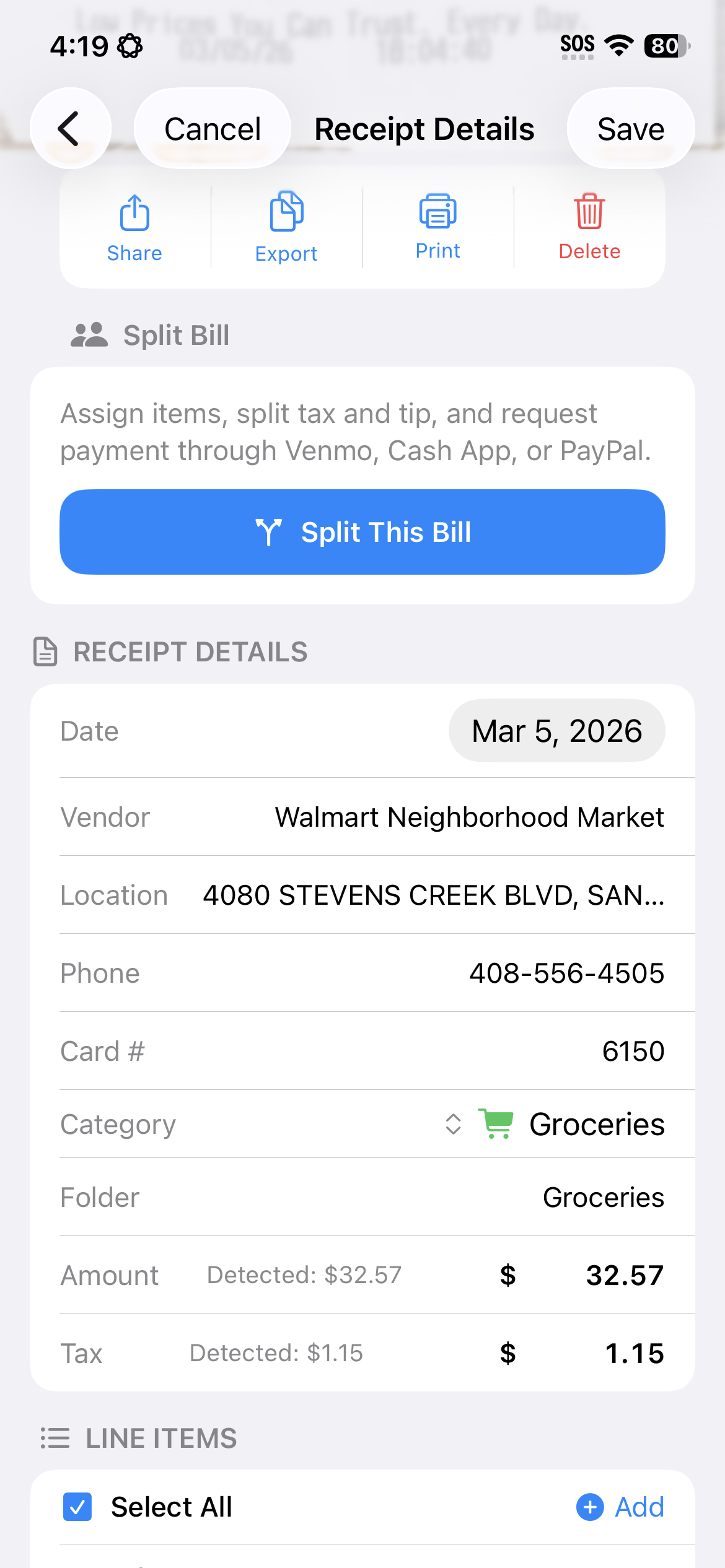
Make the extracted details useful
Line items support more than record keeping: they create a foundation for bill splitting, reviewing a purchase, and asking questions about a receipt.
Support tasks beyond the scan
Travel currency tools, spending insights, and PDF/CSV export help turn captured information into something users can act on.
AI in the workflow
AI helps convert receipt images into structured information and supports questions about receipts. The product challenge is making that information easy to inspect and use within a clear interface.
My engineering work includes processing workflows, validation, error handling, and testing across the app and its integrations.
Current product
Receipt Savior is available on the App Store. Its feature set includes receipt scanning, line-item extraction, receipt chat, bill splitting, travel tools, and reports.
The screenshots shown here are from the product website.
Next project